
Home office ergonomics: setting up your chair, desk and screen
Start with four adjustments: the top of the screen around eye level and about an arm’s length away, elbows close to your body at roughly a right angle, feet supported with knees around hip height, and support for the curve of your lower back. A fifth habit matters just as much: change position and take a movement break every 30–45 minutes.
This guide takes you through the chair, desk and screen setup, explains common sources of discomfort and suggests simple movements to break up the workday.
Why does your computer setup matter?
The often-repeated claim that sitting always puts more pressure on spinal discs than standing is less clear-cut than it sounds: in vivo measurements found that pressure during relaxed sitting can be similar to, or lower than, pressure during standing, while a slouched position can increase it. Position and time spent still both matter. Leaning the head forward also changes the load on the neck. In a biomechanical model by surgeon Kenneth Hansraj, a 45° tilt produced an estimated load equivalent to about 22 kg, compared with roughly 5 kg when upright. These are model estimates, not an individual injury prediction. Read more about longer-term concerns in The effects of prolonged sitting.
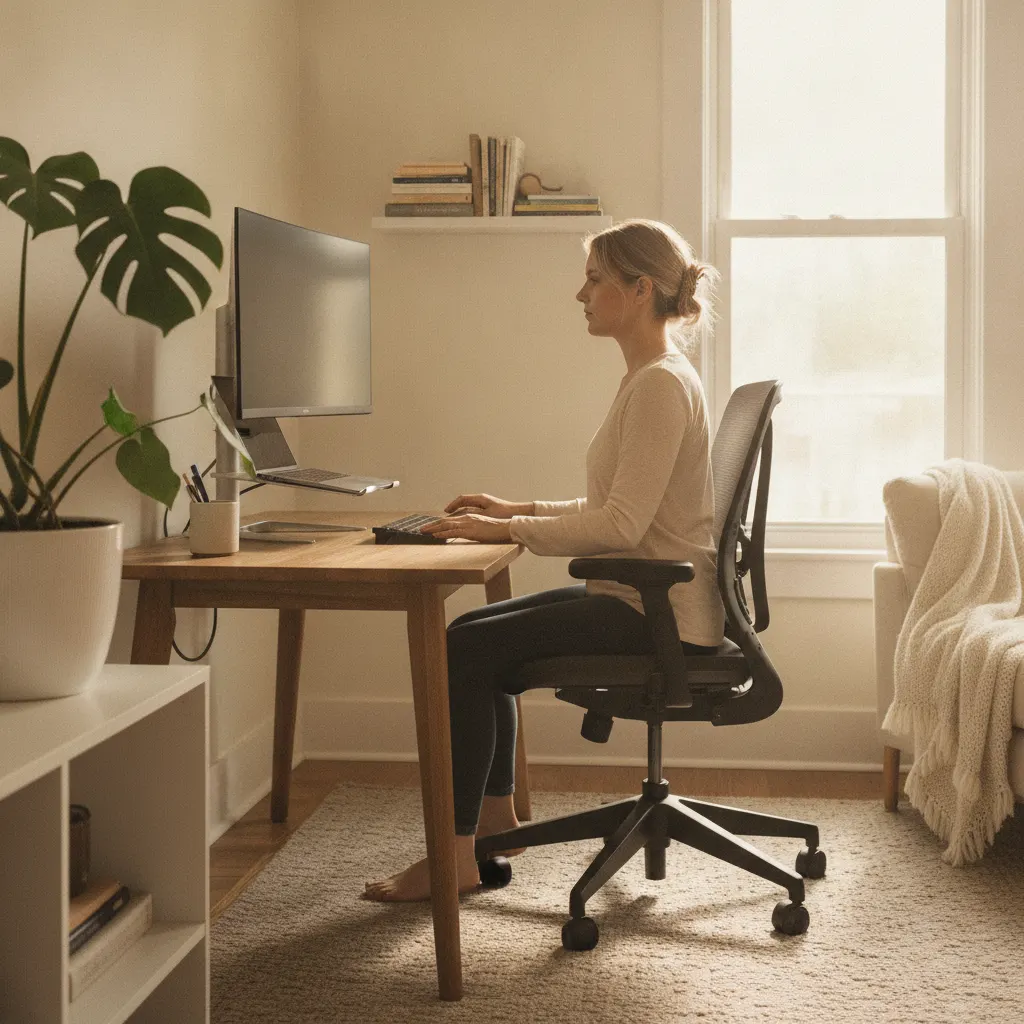
Workstation setup at a glance
| Element | Starting position | Common issue |
|---|---|---|
| Screen | Top around eye level, about an arm’s length away | A laptop screen sitting too low on the desk |
| Chair height | Knees around hip height or slightly lower, feet supported | Feet dangling or legs crossed |
| Chair backrest | Support for the lumbar curve, reclined around 100–110° | Sitting on the front edge without back support |
| Desk and elbows | Elbows close to the body at 90–100°, forearms supported | A desk that is too high, with shoulders raised |
| Keyboard and mouse | Within easy reach, wrists straight | A mouse too far to the side, requiring the shoulder to reach |
| Breaks | Get up every 30–45 minutes | Three hours without changing position |
Chair fit and lower back support
Start with the height. Sit back in the chair with your feet flat on the floor and knees around hip height. Use a footrest if your feet do not reach comfortably. If your knees are much higher than your hips, your pelvis may tilt back and your lower back may round, making prolonged sitting less comfortable.
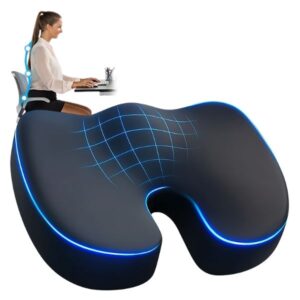
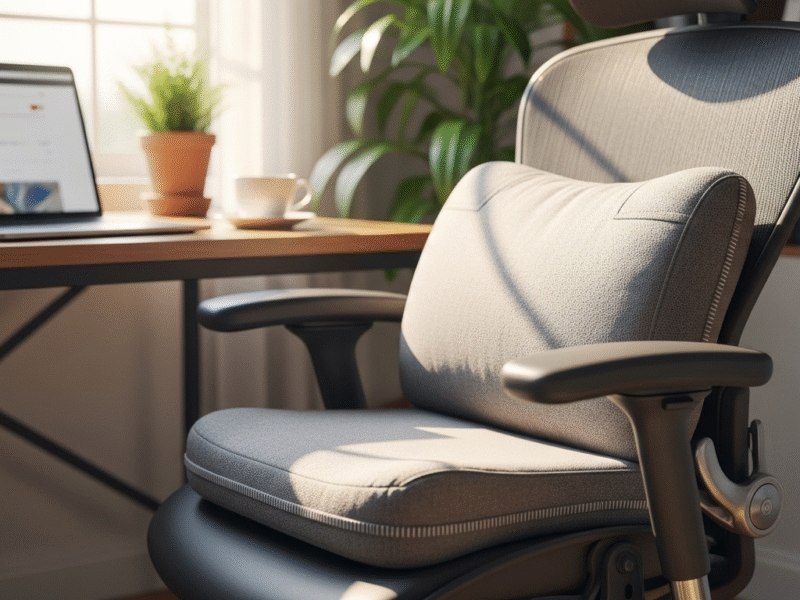
The backrest should support the natural curve of your lower back. If it does not, one option is a Lumbaris back support cushion. For a firm seat, you can consider a ComfortLux seat cushion. For the features worth looking for in a chair, read Ergonomic chairs for prolonged sitting.
Adjusting desk and screen height
Once the chair is set, position the desk so your forearms can rest approximately level and your shoulders remain relaxed. Place the screen about an arm’s length away with its top around eye level. For a laptop, a stable stand or stack of books, plus a separate keyboard and mouse, can make this easier. This can be a relatively inexpensive way to improve the setup. The recommendations draw on guidance from Mayo Clinic.
Lower back discomfort: do not overlook time spent still
A different chair may help, but even a comfortable position can become tiring when held for too long. Muscles may feel stiff after prolonged sitting. Vary your position, do some tasks standing if comfortable and take a movement break every 30–45 minutes. If pain persists despite adjustments or travels down your leg, see our article on sciatica and sitting. For pain at the base of the spine, see the guide to tailbone pain.
Simple movements during the workday
- Chin tucks: gently draw your chin back, hold for 5 seconds and repeat 10 times, without forcing the movement.
- Shoulder rolls: roll the shoulders backward 10 times, then let them relax away from your ears.
- Chest stretch: clasp your hands behind your back if comfortable, gently open your chest and hold for 20 seconds.
- Hip flexor stretch: take a supported lunge position beside the desk and hold for 20 seconds on each side. Prolonged sitting can leave the front of the hips feeling tight.
- Calf raises and ankle circles beside the desk can add gentle leg movement to a sitting break.
For the full illustrated routines, see 5 stretches after each hour of sitting and How to improve sitting posture.
Frequently asked questions about home office ergonomics
How high should my desk be?
Choose a height that lets your forearms rest approximately level, with relaxed shoulders and elbows around 90–100°. Around 70–75 cm may suit many adults, but your own body and chair setup matter more than a fixed number. Set the chair first, then adjust the desk to your elbows.
Do I need an expensive ergonomic chair?
Not necessarily. Adjustable height, lower back support and stability are the key considerations. A basic chair with a suitable lumbar cushion and footrest may work well. Regular changes of position and movement breaks still matter, whatever the chair costs.
Is it a problem to use a laptop on my lap?
Occasional brief use is different from a full workday. A low screen can keep your head bent forward for long periods. For regular work, consider raising the laptop and using a separate keyboard and mouse so you can adjust the screen and your arms independently.
How often should I get up?
Try a break every 30–45 minutes for at least a minute or two. A reminder, standing for suitable phone calls or walking to refill a small glass of water can help build movement into your routine. Frequent changes are the aim, rather than one long break all day.
This content is for information only and does not replace advice from a doctor or physical therapist. Seek professional help for persistent back or neck pain.
Related reading: lower back support at home.
From our store